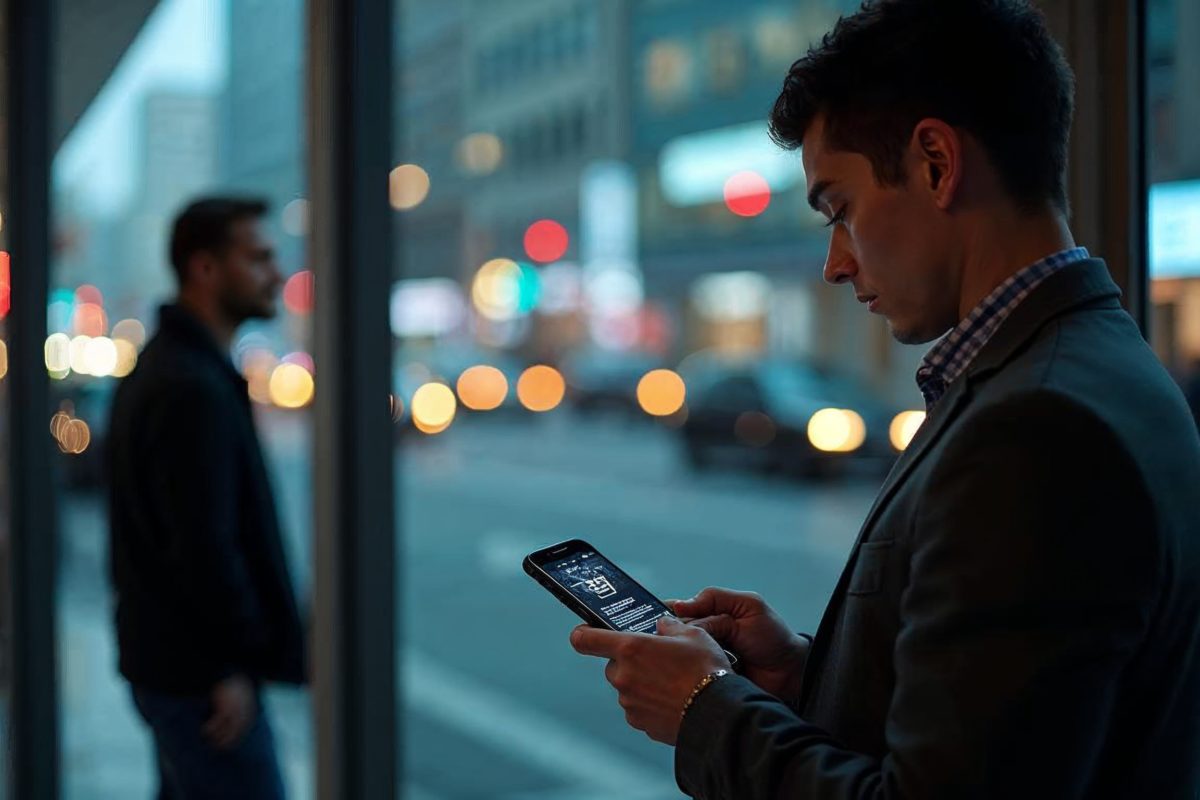
A critical flaw in Microsoft Authenticator could expose one-time passcodes and “magic” sign-in links to a malicious app already sitting on your phone, potentially giving an attacker what they need to try logging in as you.
The vulnerability, tracked as CVE-2026-26123, affects both iOS and Android. Microsoft has already baked a fix into current versions of the app, so the most important step is also the simplest: update Microsoft Authenticator immediately.
The catch is how the bug can be triggered. It leans on a common habit, tapping a sign-in link or scanning a QR code, then quickly choosing the wrong app when your phone asks how to open it. One wrong tap, and sensitive login data could be routed to the wrong place.
What CVE-2026-26123 means for iPhone and Android users
At the center of the issue is a potential data leak from Microsoft Authenticator to another app installed on the same device. The vulnerable flows involve temporary authentication codes and sign-in links designed to speed up logins.
These features are meant to make multi-factor authentication (MFA) less painful: click a link, open the app, approve the request, done. But if a malicious app can intercept that handoff, convenience turns into risk.
How the attack works: a malicious app plus a moment of inattention
This isn’t a remote “you’re hacked” scenario where an attacker can break in from across the internet with no effort from you. The attacker first needs a malicious app installed on your phone.
Then you have to give it an opening, typically by tapping a login link from an email or approving an app-opening prompt after scanning a QR code. If your phone asks “Open with…” and you pick the wrong handler (or set it as the default), the malicious app may receive the one-time code or sign-in token embedded in that flow.
That’s the point of this kind of bug: exploiting the way apps pass data between each other, and siphoning off information that should never leave the authenticator.
Deep links and QR codes make logins faster, and can create a blind spot
“Deep links” are URLs that open an app to a specific screen, not just the home page. They’re everywhere in American life, banking apps, messaging apps, workplace tools, and they’re increasingly common in authentication, too.
The risk comes when more than one app claims it can handle that link type. On mobile, that often triggers a pop-up asking which app to use. If a malicious app is designed to look legitimate, or you’re moving too fast, it can end up receiving the authentication payload.
QR-code logins add another wrinkle. They’re popular for signing into accounts on a new device or browser: scan, approve, and you’re in. But that web-to-app handoff can still hinge on which app your phone chooses (or you choose) to complete the action.
The fix is already out, updating the app is the priority
Microsoft’s patch for CVE-2026-26123 is included in the latest versions of Microsoft Authenticator available in the App Store and Google Play. If you haven’t updated recently, or if automatic updates are off, do it now.
If you manage devices for a business, this is a straightforward “push the update” moment. It’s trickier in BYOD workplaces (bring-your-own-device, where employees use personal phones for work), because IT can’t fully control what’s installed. But companies can still set minimum version requirements, send clear guidance, and enforce compliance through mobile device management tools where available.
If you can’t update immediately, the best short-term defense is behavioral: avoid installing new apps, and slow down when your phone asks what app should open a sign-in link or QR-driven login. Make sure it’s Microsoft Authenticator, or another trusted app you recognize, before you proceed.
Why businesses should pay extra attention, especially with BYOD
This bug is a reminder that MFA is strong, but it’s not magic. If a phone is already compromised, or if app-to-app handoffs leak sensitive data, the “second factor” can be undermined at the exact moment it’s supposed to protect you.
For employers, the stakes can be higher than a single account takeover. A compromised authenticator flow can become a path into corporate email, internal tools, cloud dashboards, or admin consoles, especially for high-privilege users in IT, finance, or HR.
The practical goal is to reduce the odds of the prerequisite: a malicious app already on the device. That means tighter app-install policies, clearer user training, and faster patch rollouts when vulnerabilities like this surface.
Key Takeaways
- The <strong>CVE-2026-26123</strong> vulnerability can expose login codes and links on iOS and Android
- Exploitation requires a <strong>malicious app</strong> already installed and an incorrect link-handler selection
- The <strong>Microsoft Authenticator</strong> update already includes the fix; this is the top priority
- <strong>Deep link</strong> and <strong>QR code</strong> flows require extra vigilance when choosing which app to open them with
- In the enterprise, <strong>BYOD</strong> requires stronger controls and clearer communication
Frequently Asked Questions
Who is affected by the CVE-2026-26123 vulnerability?
Anyone using Microsoft Authenticator on iOS or Android may be affected. The risk becomes real if a malicious app is already installed on the device and the user accidentally selects it to handle a sign-in link or an authentication flow.
Is this a remote attack with no user interaction?
No. The described scenario requires a malicious app to be present on the phone, and then a sign-in link, deep link, or QR-code-related flow to be opened with the wrong app. Without that chain of events, exploitation is not described as automatic.
What should I do immediately to protect myself?
Update Microsoft Authenticator to the latest available version, since the fix is included in current releases. Then, when signing in, confirm the action is being handled by Microsoft Authenticator or another trusted app—not an unknown or recently installed app.
What if I can’t update right away?
Avoid installing new apps and be extra careful when opening sign-in links or scanning QR codes by checking which app is selected to handle the action. If you get locked out, use the alternative sign-in options provided and, for a work account, contact IT for MFA re-enrollment if needed.
Sources
- Microsoft Authenticator could leak login codes—update your app now
- Microsoft Authenticator could leak login codes—update your app now
- Microsoft Authenticator could leak login codes—update your app now
- Microsoft Authenticator could leak login codes—update your app …
- How to fix authenticator app – Microsoft Q&A
En tant que jeune média indépendant, The Inquirer 🇫🇷 a besoin de votre aide. Soutenez-nous en nous suivant et en nous ajoutant à vos favoris sur Google News. Merci !